
Does an eSIM work without Wi-Fi? Everything you need to know (2026)
Does an eSIM work without Wi-Fi? Yes—after installation. Discover when Wi-Fi is necessary, why eSIM frees you from public Wi-Fi, and how to set up your phone to stay connected everywhere while traveling.
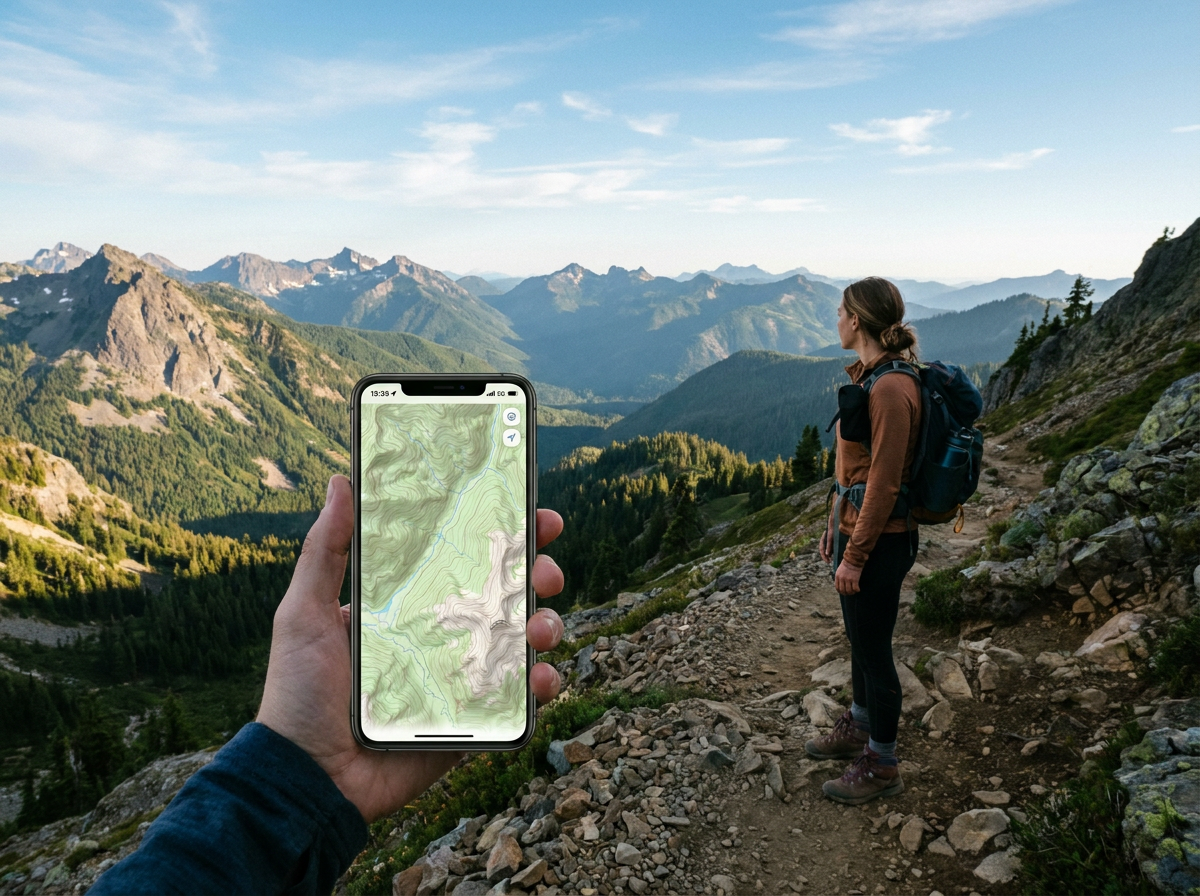
It's one of the most common confusions surrounding eSIM: because it's a "digital" technology—you download it, you scan a QR code—many people think it constantly requires Wi-Fi to function. And if that were the case, eSIM wouldn't be very useful for travel.
The reality is quite the opposite.
eSIM does not depend on Wi-Fi to operate. It creates its own internet connection via the local mobile network at your destination—exactly like a classic physical SIM. There's only one moment when an internet connection is necessary, and that moment lasts less than five minutes. After that, you are completely free from Wi-Fi.
Here's everything you need to understand.
The simple answer: yes, eSIM works without Wi-Fi
An eSIM operates via the mobile network at your destination. In Thailand, it connects to AIS or TrueMove H. In the United States, to T-Mobile or AT&T. In Morocco, to Maroc Telecom or Orange Maroc. These connections have nothing to do with Wi-Fi—they are 4G or 5G mobile networks.
To use your eSIM at your destination, you don't need any hotspot, any nearby Wi-Fi network, or any password to enter. You simply turn off airplane mode upon landing, and your phone connects automatically. That's it.
The only moment an internet connection is necessary: installing the eSIM profile. And this moment—which we'll detail—lasts less than 5 minutes and is ideally done over your home Wi-Fi before departure.
Installation: the only time internet is needed
When you purchase an eSIM from Arivia, you receive a QR code via email. This code contains your eSIM profile settings—the information that allows your phone to connect to the partner network at your destination.
To download this profile onto your phone's eSIM chip, your device needs to connect to a server. This connection requires internet access—for a few seconds, just enough time for the download.
Two options for this connection:
Via your home Wi-Fi (recommended): Install your eSIM from home, before you leave. This is the simplest, most comfortable, and safest method.
Via your domestic mobile data: If you don't have access to Wi-Fi at the time of installation, your current domestic SIM's connection (4G in your home country) works just as well. Downloading the eSIM profile consumes only a few megabytes.
Once the profile is downloaded, an internet connection is no longer necessary to use the eSIM. It functions autonomously.
After installation: complete freedom from Wi-Fi
Here's what eSIM allows you to do without any Wi-Fi nearby:
Navigate with Google Maps in real-time—on the streets of Marrakech, on a back road in Thailand, in the New York subway.
Communicate via WhatsApp—send messages, share photos, make audio and video calls.
Order a taxi via Uber, Grab, or Careem—anywhere, even far from your hotel.
Perform real-time searches—museum hours, restaurant reviews, weather.
Pay online—banking apps, cashless purchases.
Share photos and videos on Instagram or other social networks—from the beach, from a scenic viewpoint, from anywhere.
All of this without needing to be within range of a hotspot. Exactly as you use your phone at home on your mobile network.
Why eSIM frees you from public Wi-Fi—and why it matters
Many travelers try to reduce their international connectivity costs by relying solely on public Wi-Fi. This is an understandable strategy, but it has concrete disadvantages that eSIM completely resolves.
Problem 1: Public Wi-Fi is available in the wrong places
Hotel Wi-Fi helps you in your room in the evening. But during the day, when you're exploring the city, visiting sites, using public transport, and finding your way—you're not in your hotel room.
eSIM connects you anywhere there's a mobile network, not just where there's a hotspot.
Problem 2: Public Wi-Fi is slow and unstable
Wi-Fi networks in hotels, cafes, and tourist spots are often shared by dozens or hundreds of users simultaneously. The connection is unpredictable—sometimes fast, often disappointing.
A 4G or 5G network via eSIM generally offers a more stable and faster connection than overcrowded public Wi-Fi.
Problem 3: Public Wi-Fi is not secure
Unencrypted public Wi-Fi networks pose a risk to your digital security. Someone on the same network could potentially intercept your unencrypted internet traffic—including usernames and passwords if you're not using an HTTPS connection.
An eSIM connection uses the standard mobile protocol (4G/5G), which is encrypted at the network level. This is inherently more secure than public Wi-Fi.
Problem 4: Wi-Fi connections require repetitive actions
Each new Wi-Fi requires a manual connection—finding the network, entering a password, sometimes accepting terms and conditions via a web page (captive portal). At every restaurant, every cafe, every hotel.
With an eSIM, you are permanently connected without any action. Your phone handles everything automatically.
Concrete scenarios: eSIM without Wi-Fi in real-life situations
On the road by car
You're on a road trip in the American West. For 6 hours of driving between Las Vegas and the Grand Canyon, you use Google Maps for continuous navigation, listen to Spotify, and send photos via WhatsApp to your family. Not a single hotspot in sight. Your eSIM connects to T-Mobile on interstate roads—everything works.
In the Medina of Marrakech
You're exploring the labyrinthine alleys of the medina without a guide. You use Google Maps to find your way, Google Translate to read signs in Arabic, and you order a Careem to get back. No Wi-Fi, but your eSIM (connected to Maroc Telecom or Orange Maroc) gives you a reliable 4G connection throughout the day.
On a Thai island
You're in Koh Samui. The beach obviously doesn't have a hotspot. You use your phone to take photos, share them directly on Instagram, look for the best seafood restaurant for the evening, and video call your partner. Your eSIM (TrueMove H network) ensures a 4G connection without any interruptions.
In the New York subway
New York's subway system has increasing mobile coverage on main lines. Your eSIM connected to AT&T or T-Mobile gives you access to maps and route information even underground.
What if I don't have Wi-Fi to install the eSIM?
You're at the airport, at the boarding gate, and you realize you haven't installed your eSIM yet. What should you do?
Option 1: Departure airport Wi-Fi All major airports (e.g., Brussels-Zaventem, Charleroi) have free Wi-Fi. You can install your eSIM before boarding.
Option 2: Arrival airport Wi-Fi If you forgot to install your eSIM before departure, almost all international airports have free Wi-Fi. Install your eSIM upon arrival, before leaving the airport area.
Option 3: A travel companion's hotspot If you're traveling with someone who already has a connection (roaming, local SIM, hotel Wi-Fi), use their hotspot to install your eSIM.
Option 4: Your domestic mobile data If you are still at home or in an EU country, your domestic mobile data will work—and a few megabytes are enough to download the eSIM profile.
But again: the best option is to install the eSIM from home, before departure, on your home Wi-Fi. It's simpler, more peaceful, and you leave already configured.
Optimal configuration for Wi-Fi-free operation
To ensure your eSIM handles all your mobile data abroad without interference with your domestic SIM:
On iPhone
- Settings > Cellular > Default Voice Line → Select your Arivia eSIM
- Settings > Cellular > [Domestic SIM] > Data Roaming → Turn off
- Settings > Cellular > [Arivia eSIM] > Data Roaming → Turn on
On Android (Samsung)
- Settings > Connections > SIM Card Manager > Mobile data → Select your eSIM
- Settings > Connections > Mobile networks > [Domestic SIM] > Data roaming → Turn off
- Settings > Connections > Mobile networks > [eSIM] > Data roaming → Turn on
Frequently asked questions about eSIM and Wi-Fi
Do I need to be connected to Wi-Fi to use an eSIM abroad? No. eSIM works via the local mobile network—it is independent of Wi-Fi after installation.
Does eSIM use data when I'm connected to Wi-Fi? No. When Wi-Fi is active, your phone automatically uses it for all navigation. eSIM only consumes data when Wi-Fi is absent or disabled.
Can an eSIM be installed without Wi-Fi via mobile data? Yes. Your domestic mobile data or any other internet connection works for installation. Just a few megabytes are sufficient.
Does eSIM disconnect if I go into airplane mode? Yes. In airplane mode, all connections are disabled—Wi-Fi, Bluetooth, and mobile data (including eSIM). When airplane mode is deactivated, the eSIM automatically reconnects.
Does eSIM work in rural areas without Wi-Fi? Yes, if the area is covered by a mobile network. The eSIM connects to the best available network in the area. In areas without mobile coverage (remote deserts, high mountains), no SIM can connect.
Does eSIM consume data in the background without Wi-Fi? Yes, slightly—background apps (email, cloud, social media) can use data. To minimize, disable background app refresh for non-essential apps in your phone's settings.
Conclusion: eSIM frees you from Wi-Fi
The idea that eSIM depends on Wi-Fi is a misunderstanding. It's quite the opposite: eSIM is your ticket to travel without depending on Wi-Fi.
Only one moment requires internet—the initial profile installation, from your home before departure. After that, you have an independent, reliable, and economical mobile connection wherever the local network is available.
No more slow hotel Wi-Fi for browsing. No more searching for hotspots at every street corner. No more disconnection during excursions and travel. eSIM gives you internet where you need it—outside the walls of your accommodation, in the real life of travel.
Install your Arivia eSIM from your couch before you leave and travel connected—with or without Wi-Fi.