
Is my smartphone eSIM compatible? How to check in 2 minutes (2026)
Is my smartphone eSIM compatible? Check in 2 minutes with our comprehensive guide: list of compatible iPhones, Samsung Galaxy, Google Pixel, and other brands, plus 4 verification methods.
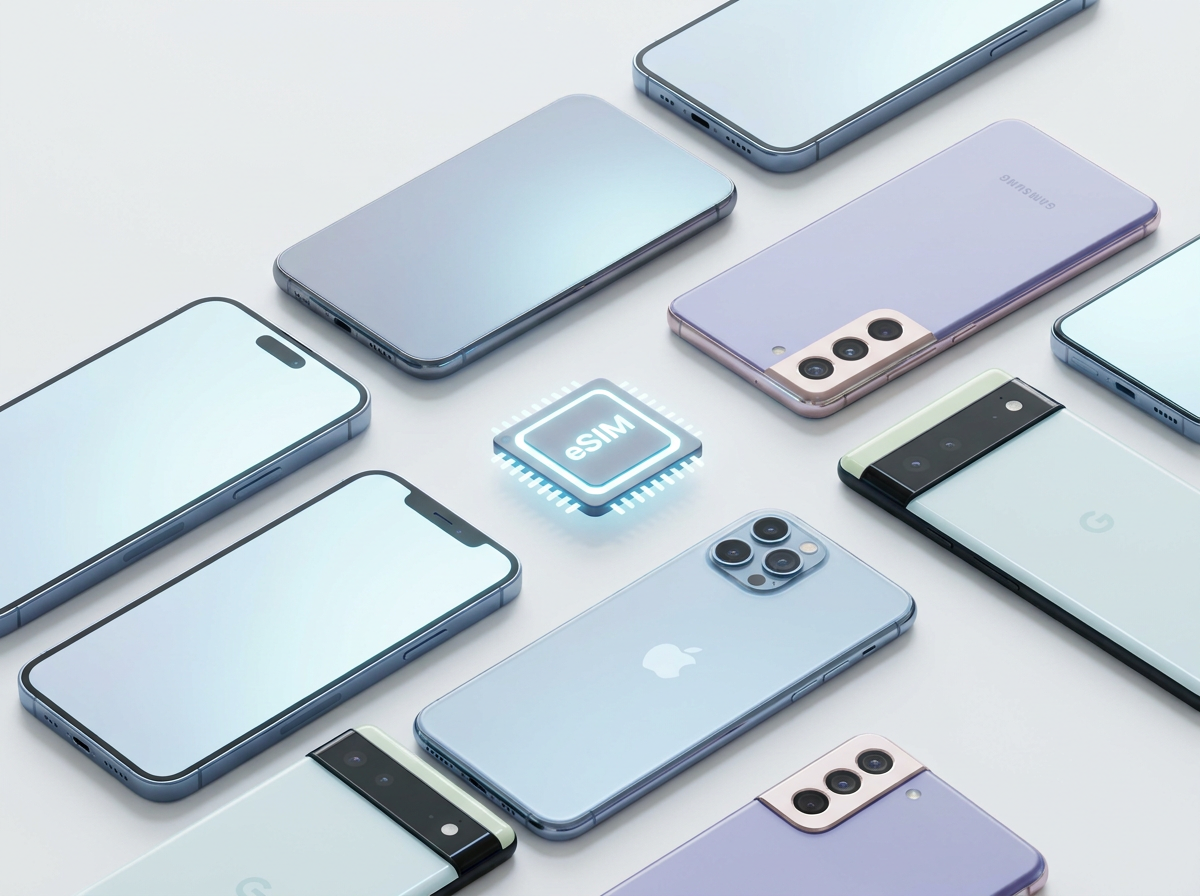
This is the first question everyone asks before buying an eSIM: can my phone really use it? The technology seems modern, a bit technical, and no one wants to buy a plan only to realize their device doesn't support it.
Good news: if you have a smartphone from a major brand released after 2019, chances are it is compatible. And verification takes no more than two minutes.
In this guide, you'll find a complete list of compatible devices by brand, four methods to check your own phone, and what to do if your device is compatible but the eSIM doesn't seem to work.
How does eSIM work on a smartphone?
eSIM (Embedded SIM) is a chip soldered directly onto your smartphone's motherboard. It cannot be removed—this is its fundamental difference from a physical SIM. Multiple operator profiles can be stored on this chip, which you download via a QR code or an application.
For a smartphone to support eSIM, two things are needed:
- The physical eSIM chip — integrated into the motherboard during manufacturing.
- Software support — the operating system (iOS or Android) must allow for eSIM profile management.
A device without the chip cannot use eSIM, even with a software update. Compatibility is determined at the time of manufacturing.
eSIM-compatible iPhones: complete list
Apple introduced eSIM on iPhones in 2018, starting with the iPhone XS line. Since then, every new model includes eSIM as standard.
Compatible
| Model | Year | Notes |
|---|---|---|
| iPhone XS / XS Max | 2018 | First iPhones with eSIM |
| iPhone XR | 2018 | eSIM compatible |
| iPhone 11 / 11 Pro / 11 Pro Max | 2019 | Dual SIM (1 nano-SIM + 1 eSIM) |
| iPhone SE 2nd generation | 2020 | eSIM compatible |
| iPhone 12 / 12 mini / 12 Pro / 12 Pro Max | 2020 | eSIM compatible |
| iPhone 13 / 13 mini / 13 Pro / 13 Pro Max | 2021 | Stores up to 8 profiles |
| iPhone SE 3rd generation | 2022 | eSIM compatible |
| iPhone 14 / 14 Plus / 14 Pro / 14 Pro Max | 2022 | eSIM-only in USA, dual SIM in Europe |
| iPhone 15 / 15 Plus / 15 Pro / 15 Pro Max | 2023 | Dual SIM in Europe |
| iPhone 16 / 16 Plus / 16 Pro / 16 Pro Max | 2024 | Dual SIM in Europe, multiple active profiles |
Not compatible
- iPhone X and earlier models (2017 and before)
- iPhone 8 / 8 Plus
- iPhone SE 1st generation (2016)
Samsung Galaxy eSIM-compatible: complete list
Samsung gradually introduced eSIM. The high-end Galaxy S line has been compatible since the S20 (2020). The A-series (mid-range) has more limited compatibility.
Galaxy S series (flagship)
| Model | Compatibility |
|---|---|
| Galaxy S20 / S20+ / S20 Ultra | ✓ Compatible |
| Galaxy S21 / S21+ / S21 Ultra | ✓ Compatible |
| Galaxy S22 / S22+ / S22 Ultra | ✓ Compatible |
| Galaxy S23 / S23+ / S23 Ultra | ✓ Compatible |
| Galaxy S24 / S24+ / S24 Ultra | ✓ Compatible |
Galaxy Z series (foldables)
| Model | Compatibility |
|---|---|
| Galaxy Z Fold 2 (2020) and later versions | ✓ Compatible |
| Galaxy Z Flip (2020) and later versions | ✓ Compatible |
Galaxy Note series
| Model | Compatibility |
|---|---|
| Galaxy Note 20 / Note 20 Ultra | ✓ Compatible |
| Galaxy Note 10+ | ✓ Compatible (some versions) |
| Galaxy Note 10 (standard) | ✗ Generally not compatible |
Galaxy A series (mid-range)
| Model | Compatibility |
|---|---|
| Galaxy A55 (2024) | ✓ Compatible |
| Galaxy A54 (2023) | ✓ Compatible |
| Galaxy A53 and earlier versions | ✗ Generally not compatible |
| Galaxy A35 (2024) | ✓ In some regions |
Important note: Samsung versions sold in South Korea may have a different eSIM configuration than international versions. If you purchased your phone in Korea or through an Asian importer, specifically check your version.
Google Pixel eSIM-compatible
Google integrated eSIM into its Pixel line as early as the Pixel 2 (2017), and all models since the Pixel 3 offer solid and well-documented eSIM compatibility.
| Model | Compatibility |
|---|---|
| Pixel 3 / 3 XL / 3a / 3a XL | ✓ Compatible |
| Pixel 4 / 4 XL / 4a | ✓ Compatible |
| Pixel 5 / 5a | ✓ Compatible |
| Pixel 6 / 6 Pro / 6a | ✓ Compatible |
| Pixel 7 / 7 Pro / 7a | ✓ Compatible |
| Pixel 8 / 8 Pro / 8a | ✓ Compatible |
| Pixel 9 / 9 Pro / 9 Pro Fold | ✓ Compatible |
Other Android brands
Motorola
- Motorola Razr (2019 and later versions): ✓ Compatible
- Motorola Edge+ (2020 and later): ✓ Compatible in some regions
- Moto G series: ✗ Generally not compatible
OnePlus
- OnePlus 12 (2024): ✓ Compatible
- OnePlus 11 (2023): ✓ Compatible in some regions
- Earlier models: ✗ Generally not compatible
Xiaomi
- Xiaomi 13 and later versions: ✓ Compatible in some versions
- Chinese models (domestic market): ✗ eSIM disabled in most cases
OPPO / OnePlus
- OPPO Find X5 and later versions: ✓ Compatible in some regions
- Earlier models: ✗ Generally not compatible
4 methods to check your phone's compatibility
Method 1: Via settings (most reliable)
On iPhone:
- Open Settings
- Tap Cellular
- If you see "Add Cellular Plan" → your iPhone is eSIM compatible
On Samsung Galaxy:
- Open Settings
- Tap Connections
- Tap SIM card manager
- If you see "Add eSIM" → compatible
On Google Pixel:
- Open Settings
- Tap Network & internet
- Tap SIMs
- If you see a "+" icon or "Download a SIM" → compatible
On any other Android: Use the search bar in Settings and type "eSIM" — if the option appears, your device is compatible.
Method 2: Check the EID number
The EID (Embedded Identity Document) is the identification number of the eSIM chip, analogous to the IMEI for the physical SIM.
On iPhone: Settings > General > About > scroll down and look for "EID". If present, your iPhone is eSIM compatible.
On Android: Settings > About phone > SIM status > look for "EID".
Method 3: Check manufacturer specifications
Go to the official manufacturer's website (apple.com, samsung.com, google.com) and search for your exact model. Technical specifications always mention if eSIM is supported.
Method 4: Check via IMEI
On websites like imei.info, enter your phone's IMEI number (visible in Settings > About phone or by dialing *#06#). Full specifications include eSIM compatibility.
Why eSIM might not work even on a compatible phone
1. The device is SIM-locked
Some phones purchased directly from a provider (like Proximus, Orange, Base in Belgium) may be locked to that network. A SIM-locked phone can prevent the installation of eSIMs from other providers.
How to check:
- iPhone: Settings > General > About > Carrier Lock (or SIM Lock)
- Android: Settings > Connections > SIM status information
Solution: Request unlocking from your carrier. Legally, in many regions, carriers must unlock your device after a certain period or for a fee.
2. Incorrect market version
Some phone models are manufactured in several versions depending on the destination market. Chinese versions of many brands (Xiaomi, OPPO, Honor) have eSIM disabled or absent. North American versions of some Samsung models also have different configurations from European versions.
Solution: Check the exact model number of your device and compare it to the official specifications for your region.
3. Outdated software
Older versions of iOS or Android may not properly support eSIM profiles or may have installation bugs.
Solution: Update to the latest available version before installing your eSIM.
4. eSIM profile already used or chip saturated
An eSIM QR code is for one-time use — it can only be scanned once on a single device. If your eSIM chip already contains many profiles, you may need to delete one before adding a new one.
Solution: Delete unused eSIM profiles in your settings before installing a new profile.
eSIM on tablets and smartwatches
Compatible tablets
Apple iPad:
- iPad Pro 3rd generation (2018) and later: ✓ Compatible
- iPad Air 3rd generation (2019) and later: ✓ Compatible
- iPad mini 5th generation (2019) and later: ✓ Compatible
- iPad 7th generation (2019) and later: ✓ Compatible
Samsung Galaxy Tab:
- Galaxy Tab S8 and later: ✓ Compatible (LTE versions)
- Galaxy Tab S6: ✓ Compatible in some versions
Smartwatches
- Apple Watch Series 3 (cellular version) and later: ✓ Compatible
- Apple Watch Ultra 1 and 2: ✓ Compatible
- Samsung Galaxy Watch 4 and later (LTE version): ✓ Compatible
Frequently asked questions about eSIM compatibility
Can my 2018 iPhone XS use a travel eSIM? Yes. The iPhone XS is the first eSIM-compatible model. Installation is identical to newer models.
I have a Samsung Galaxy A52. Is it compatible? No. The Galaxy A52 (2021) does not support eSIM. eSIM compatibility in the A-series starts with the Galaxy A54 (2023).
My phone is compatible but I don't see the eSIM option. Why? Check in this order: 1) Is your software up to date? 2) Is the device SIM-locked? 3) Is it the correct market version?
Can multiple eSIMs be active simultaneously? Most devices allow storing multiple profiles but only activate one or two simultaneously. iPhone 13 and later can store up to 8 profiles.
Does eSIM work if I buy a refurbished phone? Yes, if the device is unlocked and the previous owner's eSIM profiles have been deleted. Check these two points before purchase.
Conclusion: check in two minutes, travel connected
eSIM compatibility is not a mystery. Open your settings, look for "Add Cellular Plan" or "EID", and you'll have your answer in less than two minutes.
If your device is compatible — and it's very likely if you use a recent smartphone from Apple, Samsung, or Google — you are ten minutes away from being able to travel abroad with local internet, without roaming, without hassle upon arrival.
Check your phone's compatibility, choose your Arivia eSIM plan, and travel connected on your next trip.